

Ask ten agencies how long an explainer video should be and you will get ten confident answers: 60 seconds, 90 seconds, under two minutes, three minutes if you have facts to back it up. All of them are right in a narrow context and wrong everywhere else.
The short version: 60 to 90 seconds is the safest default for a product explainer, but explainer video length should be decided by where the viewer sits in the funnel and where the video will be played, not by an industry average. A cold viewer scrolling Instagram and a warm lead reading your pricing page are not the same person, and they should not receive the same cut.
Below is a practical breakdown of 30, 60, 90 and 120-second versions, what happens to retention at each mark, which placements accept which runtime, and the exact script word count you need to hit each duration without rushing the voiceover.
The short answer, by use case
| Use case | Recommended length | Why |
|---|---|---|
| Paid social ad (cold audience) | 15 to 30 seconds | Attention is rented, not earned. One idea, one CTA. |
| Homepage hero video | 45 to 60 seconds | Visitor is orienting themselves. Answer “what is this?” fast. |
| Product or feature page | 60 to 90 seconds | Intent is higher, so you can afford context plus mechanism. |
| Sales enablement / demo intro | 90 to 120 seconds | Viewer already raised a hand and wants proof, not a teaser. |
| Onboarding / in-app help | 60 to 180 seconds per topic | Motivation is high. Clarity beats brevity here. |
| Trade show loop / screen | 30 to 45 seconds, no audio dependency | People walk past. The loop must restart often. |
What actually happens to retention as the timer runs
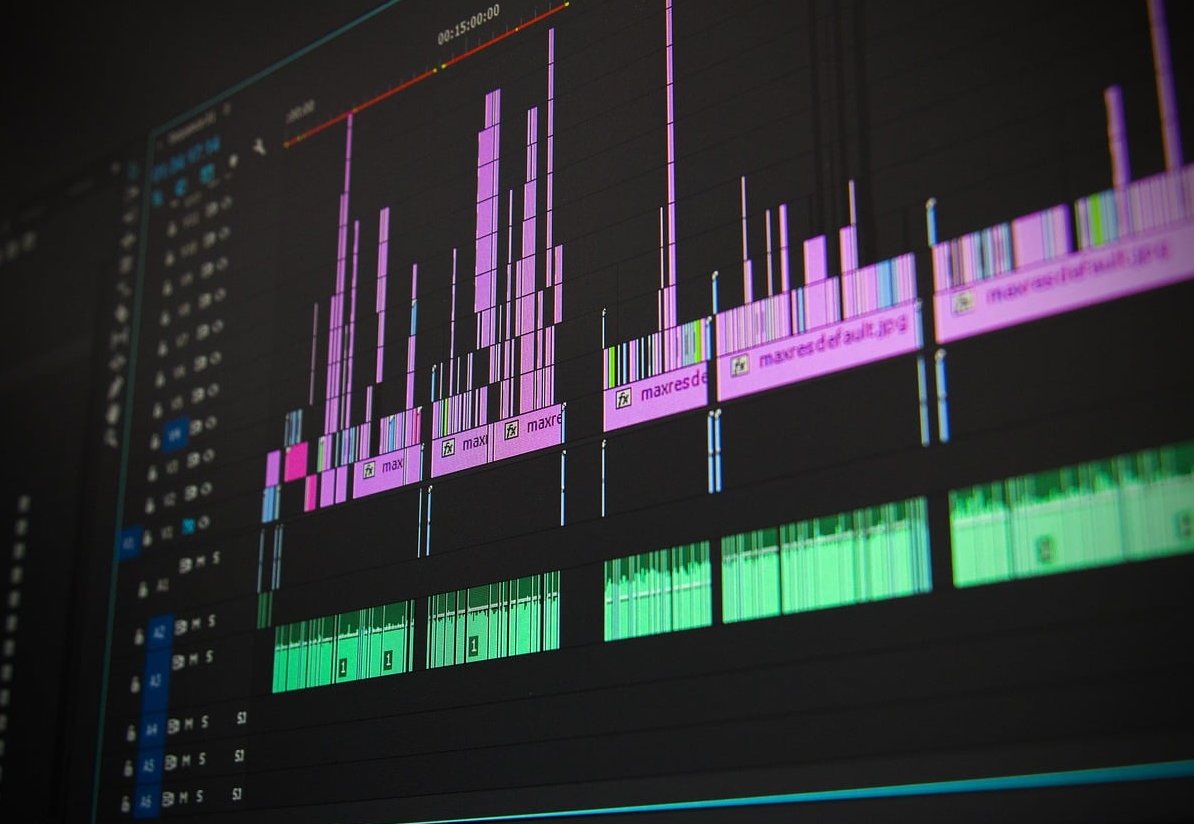
Every extra second costs you audience. That is the only universal law of video length. Across hosted business videos and the projects we produce, the pattern is remarkably consistent: retention curves fall hardest in the first eight seconds, flatten in the middle, then drop again whenever the video stops delivering new information.
Here is the directional shape you should plan around when you brief a video. Treat these as planning benchmarks, not guarantees, and always compare them against your own analytics.
| Runtime | Typical completion rate (landing page, sound on) | Ideas you can land | Main risk |
|---|---|---|---|
| 30 seconds | 70 to 85% | 1 problem, 1 promise | Viewer understands the vibe but not the product |
| 60 seconds | 55 to 70% | Problem, solution, how it works, CTA | Nothing major. This is the workhorse. |
| 90 seconds | 45 to 60% | Above plus one differentiator or proof point | Sagging middle if the story has no tension |
| 120 seconds | 35 to 50% | Full narrative, use cases, objections, CTA | Half the audience never sees the CTA |
Two conclusions matter more than the numbers themselves:
- Absolute attention seconds can go up even when the percentage goes down. A 120-second video watched at 45% delivers 54 seconds of attention. A 30-second video watched at 80% delivers 24 seconds. If your message genuinely needs 54 seconds of explanation, the longer cut is not a mistake.
- Move the call to action forward. If the completion rate at 120 seconds is under 50%, never park your CTA at the end alone. State it once around the two thirds mark and again at the close.

Match runtime to the funnel stage, not to a trend
Top of funnel: 15 to 30 seconds
The viewer did not ask for your video. They owe you nothing. Your only job is to make one claim land and to earn a click or a follow-up impression. Skip the company introduction, skip the animated logo, open on the problem in the first two seconds.
- One message. Not two.
- Subtitles baked in, because most feed viewing starts muted.
- The product should appear before second 10 or the viewer will not remember what was advertised.
Middle of funnel: 60 to 90 seconds
This is where the classic explainer lives, and it is why 60 to 90 seconds dominates every “ideal length” article. The viewer clicked through, landed on your site and is deciding whether you solve their problem. They will give you a minute if you earn the first ten seconds.
Structure that consistently holds attention at this length:
- 0 to 8s: the pain, named in the viewer’s own words.
- 8 to 20s: the promise, one sentence, stated plainly.
- 20 to 55s: how it works, three steps maximum.
- 55 to 75s: proof, a number, a logo wall or a result.
- 75 to 90s: the call to action, spoken and shown on screen.
Bottom of funnel: 90 to 120 seconds and beyond
At this stage the viewer is comparing you to two competitors and needs reasons, not hooks. Longer works because motivation is already high. Pricing explainers, integration walkthroughs, security overviews and implementation videos routinely justify two to three minutes. Just be honest with yourself: the length must be filled with information the buyer actually requested, not with brand poetry.
Post-purchase: length stops being the constraint
Onboarding and support videos can run three to five minutes without hurting anything, because a paying user watching a help video has a specific problem and will stay until it is solved. Chapter the video, add timestamps, and make it searchable. That said, one video per topic beats one long video per product.
Platform limits and placement rules
| Placement | Practical sweet spot | Notes |
|---|---|---|
| YouTube skippable in-stream | 15 to 30s (up to 60s for warm retargeting) | The skip button appears at 5 seconds. Front load the brand and the hook. |
| YouTube bumper | 6s | One idea only. Cut it from your 30s master rather than shooting separately. |
| YouTube channel (organic) | 60 to 120s | Watch time matters, but so does the retention graph. A padded video hurts distribution. |
| Meta feed and Stories | 15 to 30s | Vertical or square, captions mandatory, hook in the first 2 seconds. |
| Reels, Shorts, TikTok | 20 to 45s | Longer is technically allowed, but explainer content rarely holds past 45s here. |
| LinkedIn feed | 30 to 60s | B2B viewers tolerate slightly more, but muted autoplay still rules. |
| Landing page above the fold | 45 to 90s | Show the runtime on the play button. A visible “0:58” increases play rate. |
| Cold email or outbound | 30 to 60s | Mention the duration in the email copy to lower perceived commitment. |
| App store preview | 15 to 30s | Store limits are strict. Design the cut for silent playback. |
Script word counts: the part most briefs get wrong
Length is not decided in the edit. It is decided in the script. A comfortable, clear voiceover for an explainer runs at roughly 135 to 150 words per minute. Push past 160 and the voice starts sounding rushed, the animation has no room to breathe and comprehension drops even though the words are all there.
Use these targets when you write:
| Target runtime | Word count (comfortable pace) | Maximum before it feels rushed | Scenes / shots |
|---|---|---|---|
| 15 seconds | 30 to 38 words | 42 words | 3 to 4 |
| 30 seconds | 65 to 75 words | 85 words | 5 to 7 |
| 60 seconds | 135 to 150 words | 165 words | 9 to 12 |
| 90 seconds | 200 to 225 words | 245 words | 14 to 18 |
| 120 seconds | 270 to 300 words | 325 words | 18 to 24 |
| 180 seconds | 400 to 450 words | 490 words | 26 to 34 |
Subtract 10 to 15% from these counts if your video contains screen recordings, product UI demonstrations, on-screen text that needs reading time, or a musical intro. Silence is part of the runtime.
A quick test before you approve a script
- Read it out loud at normal speaking pace with a stopwatch.
- If you are more than 10% over, cut a benefit, do not speed up the read.
- Delete every sentence that does not change the viewer’s mind. Adjectives are usually the first casualty.
- Check that the product or offer is named in the first 15 seconds.
Produce one story, ship four cuts
The most cost-effective approach we use with clients is to build the 90-second master first, then derive the shorter versions from the same asset library. You get a full funnel of video from a single production instead of four separate projects. The same instinct shows in the work of another team working this way.
- 90s master: product page, sales deck, YouTube channel.
- 60s cut: homepage hero, email, LinkedIn.
- 30s cut: paid social, retargeting, pre-roll.
- 15s and 6s cuts: bumpers, Stories, display placements.
- Vertical reframe: the same cuts in 9:16 with burned-in captions.
Plan this at the storyboard stage. Retro-fitting a vertical 15-second cut from a horizontal 90-second animation is possible, but it always looks like a compromise.
How to find your own ideal explainer video length
Benchmarks get you to a starting point. Your analytics get you to the right answer. Do this within the first month after launch:
- Read the retention graph, not just the average view duration. Find the exact second where the curve falls off a cliff. That moment is a content problem, not a length problem, nine times out of ten.
- Track play rate alongside completion. A visible runtime of 1:12 on the thumbnail can lift play rate more than shaving 20 seconds off the edit.
- Measure conversion, not engagement. The metric that matters on a landing page is signups per visitor who saw the video, not percentage watched.
- A/B test in pairs. Run the 60s against the 90s on the same page for two weeks with the same traffic source. Test one variable at a time.
- Re-cut instead of re-shooting. If the 90s underperforms, trim the segment where retention drops and test again before commissioning a new video.

Common length mistakes we still see in 2026
- Opening with a logo animation. Five seconds of branding at the start can cost you a quarter of your audience.
- Explaining the market before the product. “In today’s fast-paced world” is the most expensive sentence in video marketing.
- Using the same cut everywhere. A 90-second product explainer as a Reels ad will underperform every time.
- Writing 200 words for a 60-second slot. The result is a rushed voiceover and animation that cannot keep up.
- Hiding the CTA at the very end of a long cut. Half the audience never gets there.
- Padding to reach an arbitrary target. If your story is genuinely 47 seconds long, ship 47 seconds.
FAQ
What is the ideal explainer video length?
For a product or service explainer on a website, 60 to 90 seconds is the reliable default. For paid social and pre-roll advertising, 15 to 30 seconds performs better. For bottom of funnel and onboarding content, 90 seconds to 3 minutes is acceptable because viewer motivation is already high.
Is a 2-minute explainer video too long?
Not if the viewer asked for the information. Two minutes works well for pricing explanations, technical walkthroughs and sales follow-up videos. It works poorly as a first touch with a cold audience. If you use a 120-second cut, place your call to action around the 80-second mark as well as at the end.
How many words is a 60-second explainer video script?
Roughly 135 to 150 words at a natural, clear pace. Aim for the lower end if your video includes screen recordings, on-screen text or moments of silence for visual demonstration.
Does explainer video length affect conversion rate?
Indirectly. Clarity drives conversion, and length affects clarity in both directions. Too short and the viewer does not understand what you sell. Too long and they leave before the offer. The best predictor of conversion is whether the video answers “what is it, who is it for, why should I care and what do I do next” inside the time the viewer is willing to give you. An extended version exists for anyone curious.
Should the video length be different for YouTube?
Yes. For YouTube advertising, front load everything into the first 5 seconds because that is when the skip button appears, and keep skippable in-stream ads between 15 and 30 seconds. For your organic YouTube channel, 60 to 120 seconds works well for explainers, and the retention graph matters more than raw duration.
How short can an explainer video be?
Six seconds is viable as a bumper or reminder ad, but it can only carry one idea. Fifteen seconds is the practical minimum for an explainer that has to communicate a problem and a solution. Below 30 seconds, treat the video as a hook that drives to a longer asset rather than a complete explanation. Full details on https://atlassian.com.
The takeaway
Stop searching for the perfect explainer video length and start mapping runtime to intent. Cold audience, short cut. Warm visitor, medium cut. Active buyer, long cut. Write to the word count that matches the runtime, build one master story you can slice into four formats, then let your own retention and conversion data replace the industry averages.
If you want a second opinion on the right cut for your product, our team at Studio7mm plans script, storyboard and multi-format delivery in a single production so you are not paying four times for the same story.